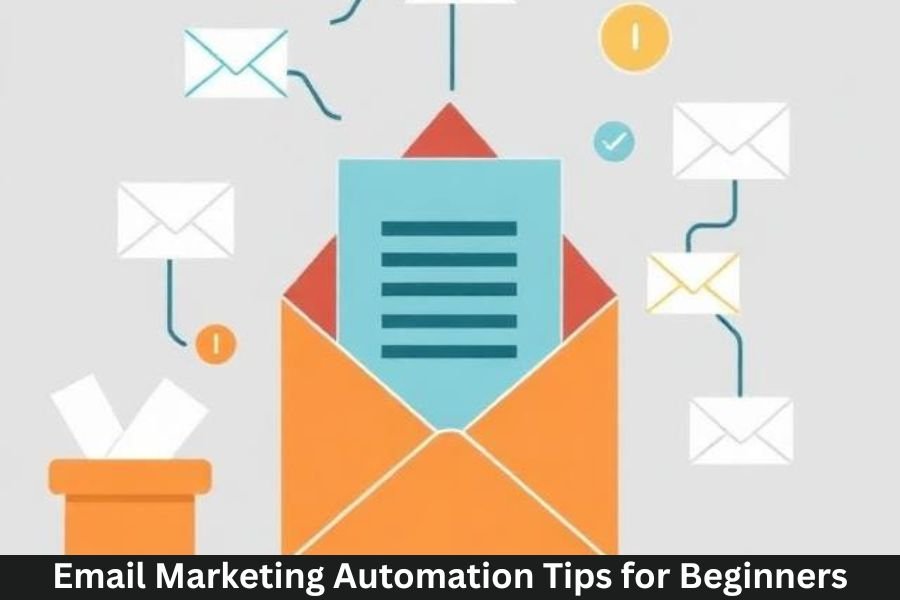
Email marketing automation is like having a marketing team working 24/7 for your business. Even if you’re new to email marketing, automation helps you save time, nurture leads, and boost conversions without manually sending every message.
Why Email Automation Matters
Automated emails are not just convenient—they’re powerful. Emails triggered by behavior, purchases, or engagement are more likely to be opened and acted upon. Instead of sending random messages, automation ensures every email reaches the right person at the right time.
Benefits for Small Businesses and Beginners
- Saves time and reduces manual work
- Increases engagement and conversions
- Provides measurable results
- Helps build stronger customer relationships
Understanding Email Marketing Automation
What is Email Automation?
Email automation involves sending pre-scheduled emails triggered by user actions or pre-defined timelines. These can range from welcome emails to post-purchase follow-ups.
How Automation Differs from Regular Email Marketing
Unlike manual email campaigns, automation runs on pre-set rules. You create the content once, and the system automatically sends it to the right audience.
Common Automation Workflows
- Welcome series for new subscribers
- Abandoned cart reminders
- Birthday or anniversary messages
- Post-purchase follow-ups
Choosing the Right Email Marketing Platform
Popular Tools for Beginners
Platforms like Mailchimp, Sendinblue, ConvertKit, and ActiveCampaign are beginner-friendly and offer easy-to-use automation features.
Features to Look For
- Drag-and-drop email editor
- Automation workflow builder
- Analytics and reporting
- List segmentation
Pricing Considerations
Start with free or low-cost plans if you’re a beginner. Most platforms scale with your list size, so you can upgrade as your audience grows.
Building Your Email List
Sign-Up Forms and Pop-Ups
Add forms to your website or landing pages to capture emails. Pop-ups, slide-ins, and header bars are effective tools.
Lead Magnets and Incentives
Offer something valuable like an eBook, discount, or free resource to encourage sign-ups.
Segmentation Basics
Segment your audience from the start. Even simple segments like new vs returning subscribers can improve engagement.
Setting Goals for Your Automation Campaigns
Lead Nurturing
Guide subscribers through a journey, providing helpful content to build trust before selling.
Customer Retention
Use automation to keep current customers engaged and loyal, sending updates, offers, and educational content.
Sales and Conversions
Automated campaigns can drive purchases through personalized recommendations and abandoned cart reminders.
Planning Your Automation Workflow
Welcome Emails
First impressions matter. Send a friendly, informative welcome email immediately after sign-up.
Abandoned Cart Emails
Recover lost sales with a gentle reminder of items left in the cart.
Re-Engagement Campaigns
Reignite interest in inactive subscribers with targeted offers or content.
Post-Purchase Follow-Ups
Thank customers, request reviews, or suggest complementary products.
Crafting Effective Automated Emails
Personalization Tips
Use subscriber names, location, or behavior to make emails feel personal and relevant.
Compelling Subject Lines
Grab attention with curiosity, urgency, or clear benefits.
Clear Call-to-Actions (CTAs)
Guide readers with a single, focused action like “Shop Now,” “Download,” or “Learn More.”
Timing and Frequency of Automated Emails
Optimal Send Times
Test different times to find when your audience is most likely to engage.
Avoiding Email Fatigue
Don’t overwhelm subscribers. Space emails appropriately and respect their inbox.
Testing Frequency for Best Results
Start slow and adjust based on engagement metrics.
Segmentation Strategies
Demographic Segmentation
Target emails based on age, gender, or location.
Behavioral Segmentation
Segment by website behavior, clicks, and email interactions.
Purchase History Segmentation
Send personalized recommendations based on past purchases.
Using Triggers for Automation
Website Activity Triggers
Email users based on pages they visit or actions they take on your website.
Email Engagement Triggers
Send follow-ups if someone opens, clicks, or ignores previous emails.
Purchase and Cart Abandonment Triggers
Remind users of items left behind to increase conversions.
Tracking and Analytics
Key Metrics to Monitor
Open rates, click-through rates, conversion rates, and unsubscribe rates indicate campaign effectiveness.
Open Rates and Click-Through Rates
Open rates measure subject line success; clicks show email content effectiveness.
Conversion Tracking
Track sales, sign-ups, or downloads to see actual ROI.
A/B Testing for Automation
Subject Line Testing
Test different subject lines to maximize open rates.
Email Content Testing
Try variations in copy, images, or layout to increase engagement.
CTA and Design Testing
Experiment with CTA buttons, placement, and design elements.
Avoiding Common Automation Mistakes
Over-Automation
Too many automated emails can feel spammy. Balance automated and manual campaigns.
Ignoring List Hygiene
Remove inactive subscribers regularly to maintain engagement and deliverability.
Generic or Impersonal Emails
Avoid sending the same content to everyone. Personalization increases relevance.
Advanced Tips for Beginners
Dynamic Content
Use dynamic content blocks to show different offers based on subscriber behavior.
Behavioral Segmentation
Refine campaigns using detailed engagement data for higher conversions.
Integrating with CRM and Other Tools
Connect your email platform with CRM, e-commerce, or analytics tools for seamless automation.
Conclusion
Email marketing automation is a beginner-friendly way to grow your business efficiently. By choosing the right tools, building segmented lists, crafting personalized content, and monitoring performance, you can automate engagement, boost conversions, and save time. Start small, test consistently, and scale your campaigns as you learn what resonates with your audience.
Frequently Asked Questions (FAQs)
1. How do I start email automation as a beginner?
Start with a welcome series and simple workflows like abandoned cart or post-purchase emails.
2. Can automation work for small email lists?
Yes, even small lists benefit from targeted, timely emails.
3. How often should I send automated emails?
Balance frequency based on engagement and subscriber preferences—usually 1–3 emails per week is safe.
4. Do I need a fancy tool for automation?
Beginner-friendly tools like Mailchimp or Sendinblue are enough to get started.
5. How do I measure the success of automated campaigns?
Track open rates, click-through rates, conversions, and ROI to measure performance.